A factory is a chain, so debug the chain
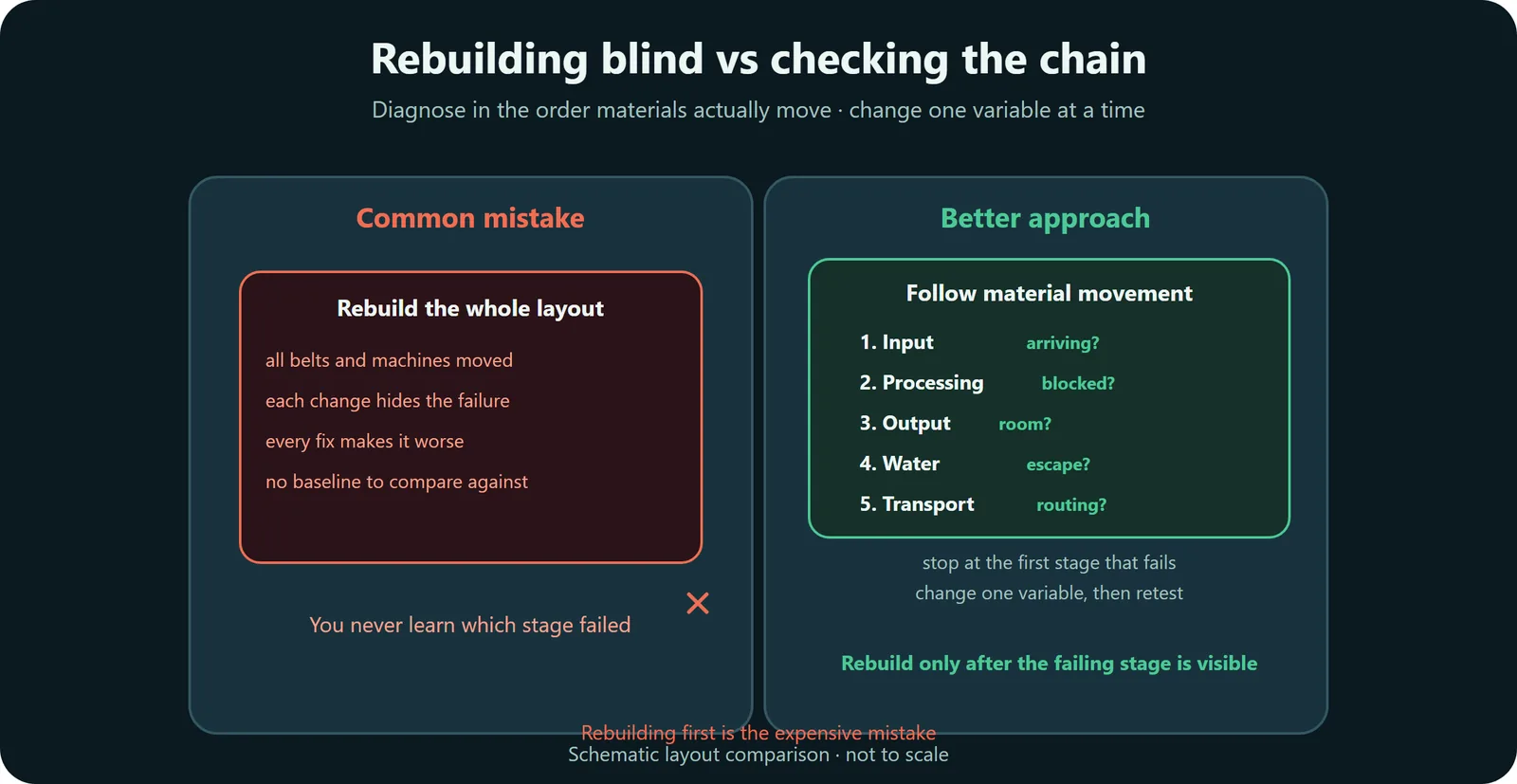
Changing the whole layout hides the failure. Follow material movement until the first missing or blocked step appears.
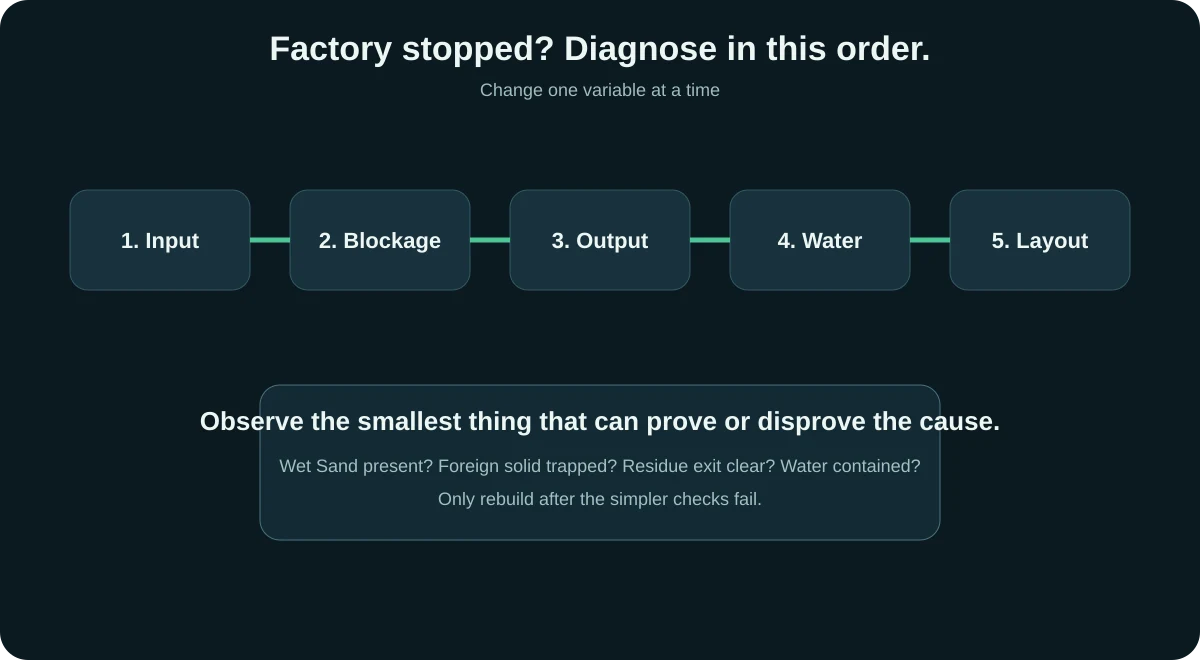
Direct answer: if a Sandustry factory stops working, inspect input first, then machine blockage, then output space, then Water behavior, then transport routing. Rebuild only after the failing stage is visible.
Changing the whole layout hides the failure. Follow material movement until the first missing or blocked step appears.
This official trailer can help you recognize the factory flow. The diagnosis order below is still the source of truth for fixing a stalled line.
Open on YouTubeLook at the first machine or mixing area. If Wet Sand, Water or another required input never arrives, downstream machines are not the problem.
Check whether the machine area is buried, starved or filled with the wrong material. A visible jam is more useful than a guess.
Gold and other outputs need a clean path. If output cannot leave, the line can look like an input problem even when production is happening.
Water-related problems often start upstream. Check whether Water is reaching the mixing area and whether the layout lets it escape or disappear.
Conveyors, Filters, Pipes and Launchers should separate a specific problem. If their purpose is unclear, simplify the route and test again.
Check whether the input is Wet Sand, whether the Shaker is processing, and whether you are judging too short a sample of the 25% Gold chance.
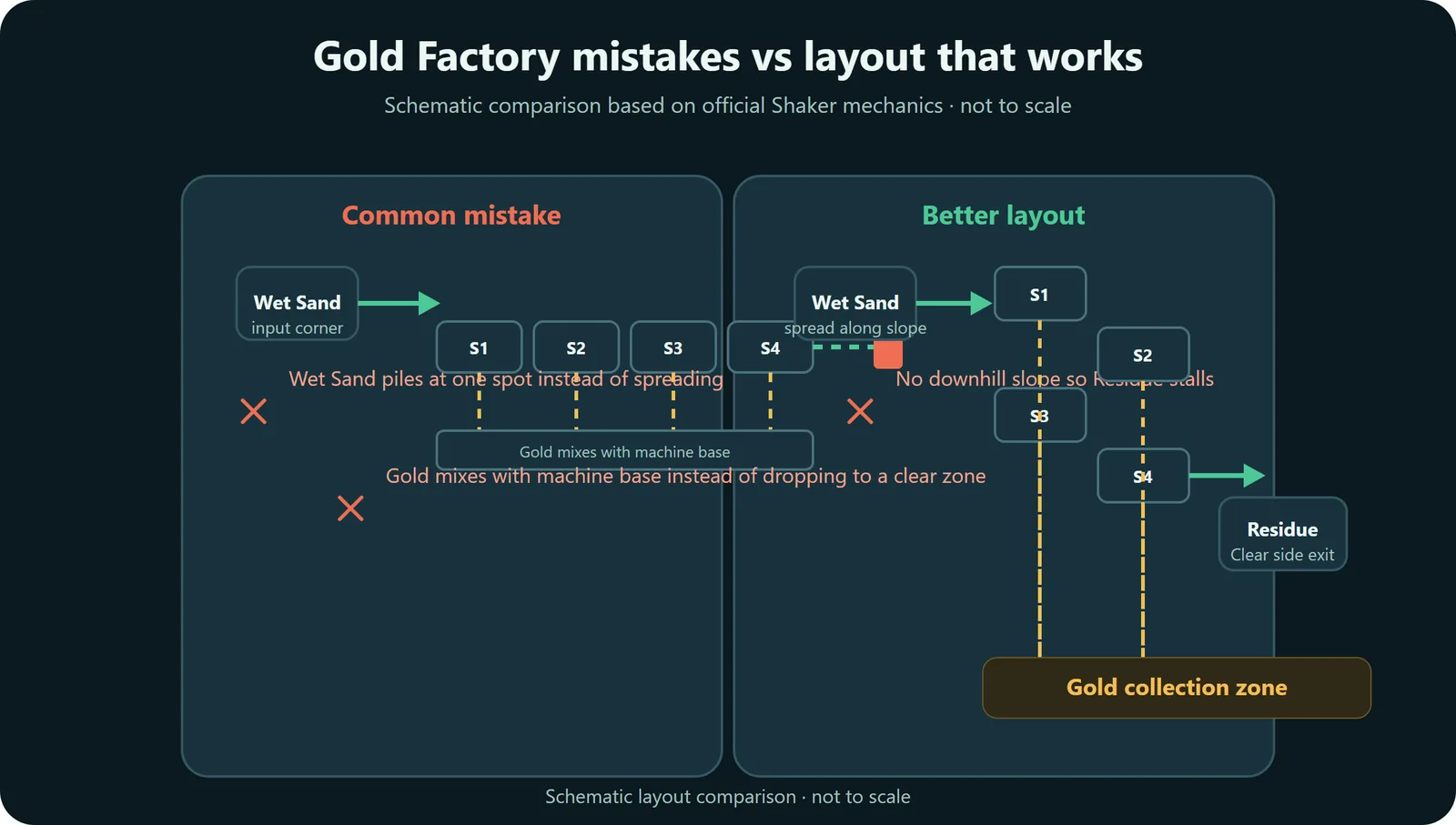
Compare the Gold Blueprint →Look for trapped non-Gold solids or Residue covering the top. Gold passes through; other solids can lodge in the machine body.
Review Shaker behavior →The Water problem is upstream. Confirm Sand becomes Wet Sand before it reaches the Shaker area.
Fix Water routing →A line can produce correctly and still stop because Gold, Residue or another output has nowhere to go.
Check logistics →| Symptom | Likely place to inspect | Smallest useful fix |
|---|---|---|
| No useful output appears | Input or processing stage | Confirm the required input reaches the machine before moving anything else. |
| Output exists but piles up | Output collection and transport | Clear a separate output path before adding more production. |
| Wet Sand is inconsistent | Water mixing area | Make Water behavior visible and separate it from the machine body. |
| Line works briefly then stops | Byproduct path | Give unwanted output a route that cannot block fresh input. |
| Every change makes it worse | Layout readability | Reduce to one working cell, then expand from the proven shape. |
| Symptom | Check first | Why | Smallest fix |
|---|---|---|---|
| No Gold from a Shaker | Is the input actually Wet Sand? | Shakers process Wet Sand; Gold output is also probabilistic at 25% per processed pixel. | Verify the Wet Sand input and watch a larger sample before changing the layout. |
| Shaker stops moving material | Is a foreign solid trapped? | Gold is the only solid that passes through the Shaker body. | Remove the trapped solid, then prevent mixed solids from entering. |
| Residue buries the line | Is the top/side exit blocked? | Shakers move Residue slowly; the official wiki recommends a downward diagonal arrangement. | Clear the output and reduce input until the surface starts moving again. |
| Water keeps disappearing | Does it have a basin, and are corners sealed? | Water can slip diagonal corners; loose droplets that do not settle within 45 seconds can evaporate. | Create a depression, close diagonal leaks, and shorten the uncontrolled route. |
| Kinetic Press does nothing | Is it Burnt Residue falling from 25+ blocks? | Burnt Residue needs sufficient drop height; wrong material or low falls can sit on top and block the press. | Clear the top, confirm material, and restore the required drop height. |
Check the factory in material-flow order before changing the layout. That keeps the first failed stage visible instead of burying it under a rebuild.
This checklist narrows the failure to a stage. The final cause can still depend on the exact machine, material, or mechanic that breaks there.
The most reliable first answer is to check input, blockage, output space, Water behavior, and transport in that order. Most broken lines fail at one visible stage before the rest of the chain is affected.
Check whether the right material is still arriving at the first machine that matters. If the expected input is already wrong or missing, downstream symptoms are usually secondary.
Shaker Gold is not guaranteed on every Wet Sand pixel. If the machine is visibly consuming Wet Sand and producing Residue, a short run with little or no Gold can still be normal variance. Diagnose the material flow before declaring the machine broken.
Stop diagnosing when the failing stage is visible and repeatable. If the same machine stops only after Residue accumulates, the fix is byproduct routing; if it stops immediately with dry input, the fix is Water contact; if it works alone but fails after transport is connected, the fix is routing or output space.
This diagnosis order works until the same failure keeps returning. When a symptom repeats, the layout needs a structural change instead of another manual fix.
Source note: This recommendation is source-based, not an independently benchmarked build.
Official source